

Background mobile

Your personal AI
handles it all.

It remembers

Memory
everything Your files your habits 🧠 your context across days across apps 🔗 across platforms Pick up exactly 📖 where you left

Your Mac finally has a memory that lasts.

#Developers#Founders#Designers#Productivity

Real Work. Zero Typing.

Say normal things like "check my email" or "find yesterday's notes."

FEATURES

SIMPLE
INSTALLER

Luminary guides you through setup step-by-step. Install, connect, and start using your assistant in minutes.
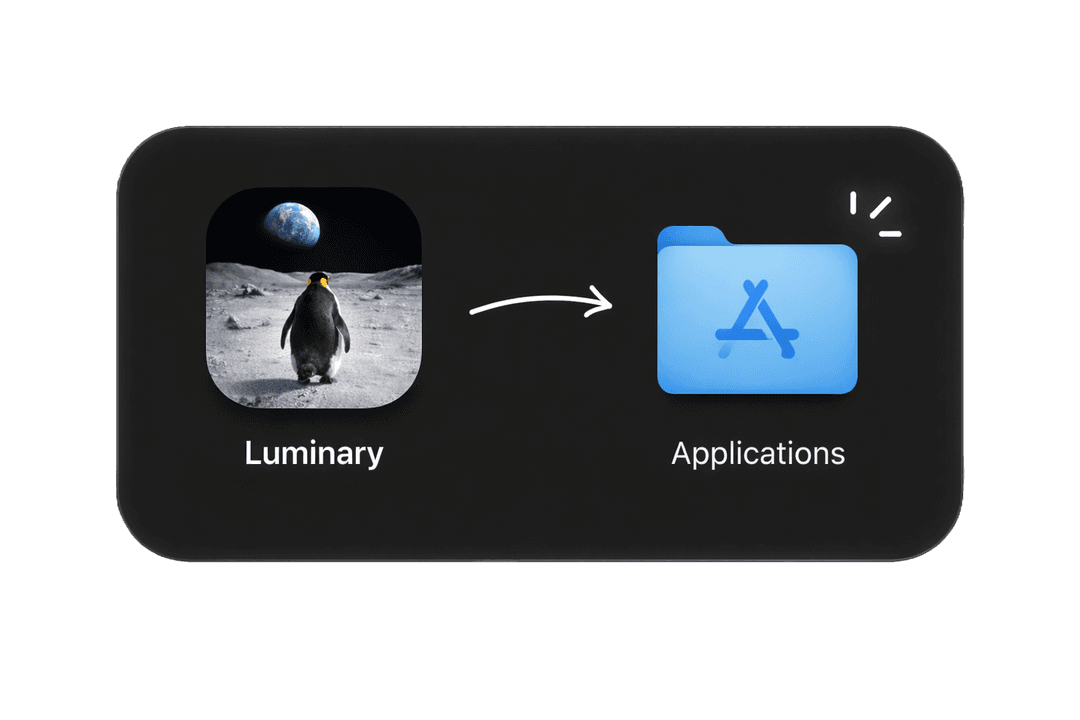

Drag Luminary to Applications folder
Telegram
Memory Engine
iMessage

PERSISTENT
MEMORY
EVERYWHERE

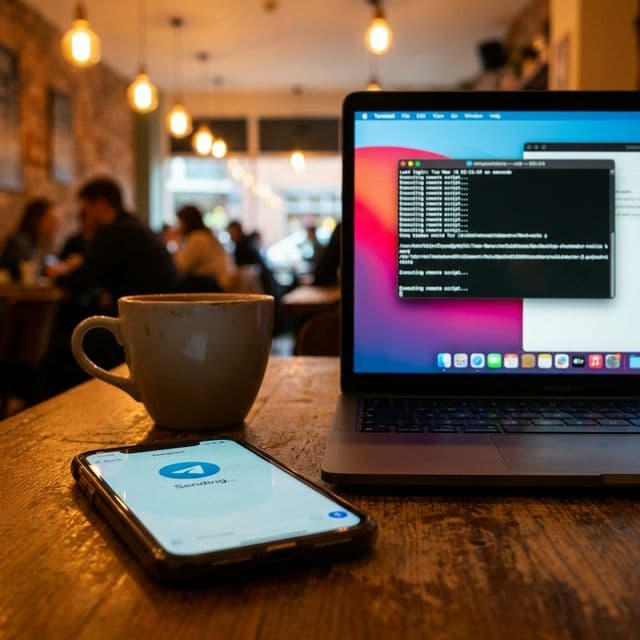
It remembers your preferences, ongoing tasks, and important details on your Mac. Since the memory is seamlessly shared across all applications, you can trigger actions or provide context through Telegram or iMessage, and it will pick up right where you left off.

LIVE
SPEECH-TO-SPEECH

Press your shortcut, speak naturally, converse with AI, and get your shit done. Use the default Fn key or set your own.
Fn Key

Good Morning!

Tuesday, 18 Jan

40%Completion
06:30AM
Morning run & stretches
1 hour
08:00AM
Inbox zero
30 minutes
10:00AM
Deep work session
2 hours
12:30PM
Read 10 pages
30 minutes
05:00PM
Stretch routine
10 minutes
07:00PM
Dinner prep
45 minutes
10:00PM
Plan tomorrow
5 minutes
07:30AM
Gym
1 hour
09:00AM
Drink 3 glasses of water
Before 11:00 AM
12:00PM
Lunch meeting
1 hour
03:00PM
Client presentation
45 minutes
06:30AM
Morning run & stretches
1 hour
08:00AM
Inbox zero
30 minutes
10:00AM
Deep work session
2 hours
12:30PM
Read 10 pages
30 minutes
05:00PM
Stretch routine
10 minutes
07:00PM
Dinner prep
45 minutes
10:00PM
Plan tomorrow
5 minutes
07:30AM
Gym
1 hour
09:00AM
Drink 3 glasses of water
Before 11:00 AM
12:00PM
Lunch meeting
1 hour
03:00PM
Client presentation
45 minutes
06:30AM
Morning run & stretches
1 hour
08:00AM
Inbox zero
30 minutes
10:00AM
Deep work session
2 hours
12:30PM
Read 10 pages
30 minutes
05:00PM
Stretch routine
10 minutes
07:00PM
Dinner prep
45 minutes
10:00PM
Plan tomorrow
5 minutes
07:30AM
Gym
1 hour
09:00AM
Drink 3 glasses of water
Before 11:00 AM
12:00PM
Lunch meeting
1 hour
03:00PM
Client presentation
45 minutes

SCHEDULE
TASKS

Luminary can message you first, run recurring tasks, and keep an eye on what matters. You stay ahead while it handles the routine.

MULTIPLE AI
MODELS

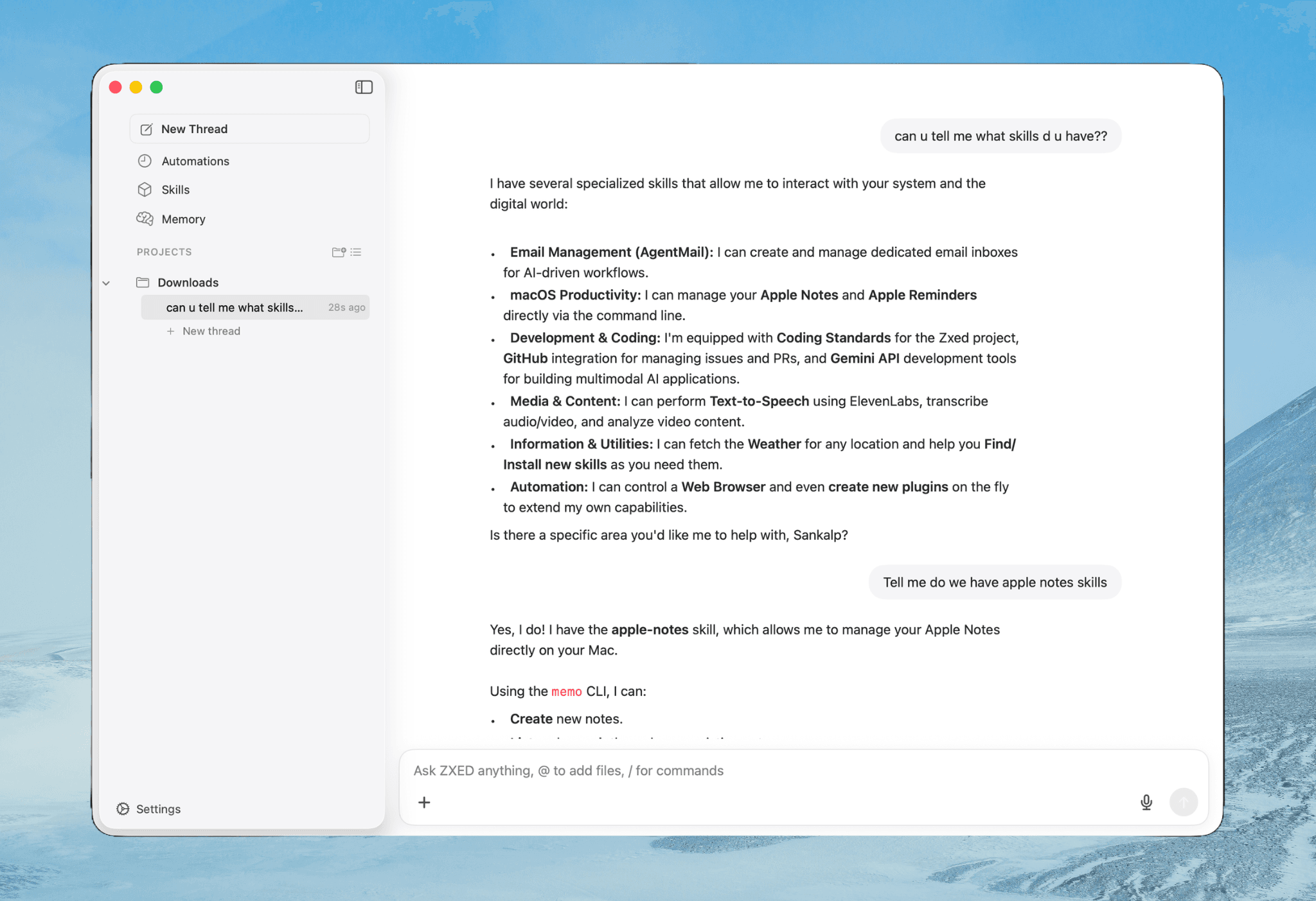
Choose the AI engine that fits your workflow. Use Claude, GPT, Gemini and more — switch anytime.

Claude
GPT
Gemini
xAI
Mistral
DeepSeek
→
example.com
Luminary

BROWSER
CONTROL

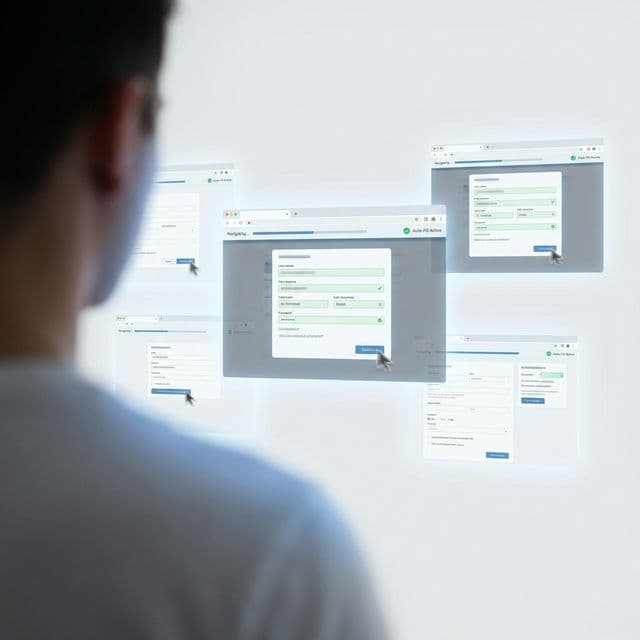
Luminary completes web tasks for you. Open websites, click through flows, fill forms, and collect information — directly from chat.

VoicePress Fn
Voice Control
BrowserAuto control
Browser Automation
TerminalBash power
Terminal
RemoteAny device
Remote Control
CodingAI Assistant
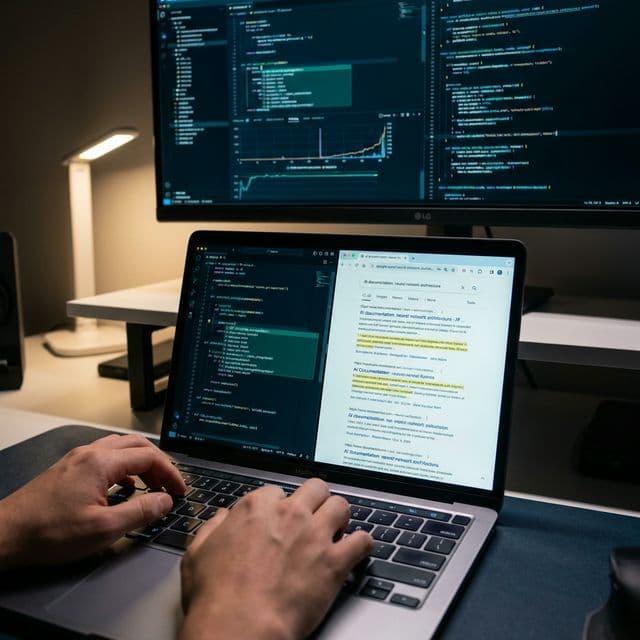
Code Assistant
VoicePress Fn
Voice Control
BrowserAuto control
Browser Automation
TerminalBash power
Terminal
RemoteAny device
Remote Control
CodingAI Assistant
Code Assistant
VoicePress Fn
Voice Control
BrowserAuto control
Browser Automation
TerminalBash power
Terminal
RemoteAny device
Remote Control
CodingAI Assistant
Code Assistant
Files
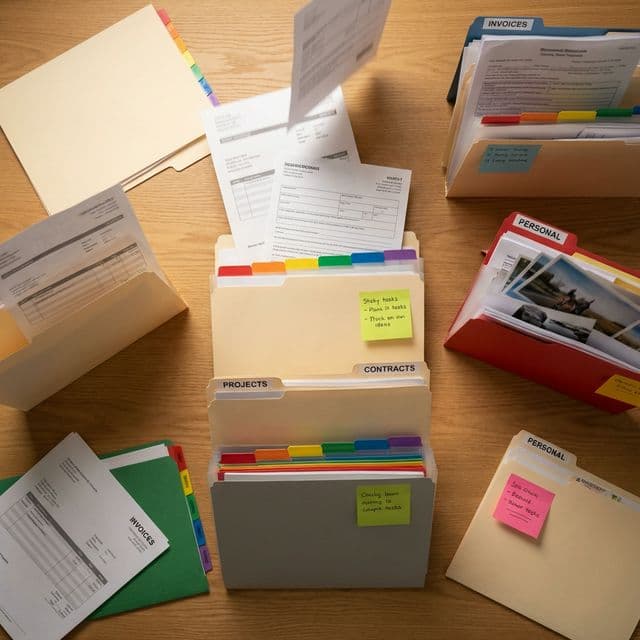
FilesOrganized
Memory
MemoryNever forgets
Skills
SkillsExpandable
Schedule
ScheduleAutopilot
Research
ResearchDeep dive
Files
FilesOrganized
Memory
MemoryNever forgets
Skills
SkillsExpandable
Schedule
ScheduleAutopilot
Research
ResearchDeep dive
Files
FilesOrganized
Memory
MemoryNever forgets
Skills
SkillsExpandable
Schedule
ScheduleAutopilot
Research
ResearchDeep dive
Luminary App
Common questions

Frequently
asked questions

Can't find your answer?

Is Luminary really free?

Yes, 100% free. No subscription, no hidden fees, no credit card required. Download and use all features immediately.

Does it run on my Mac or in the cloud?

What macOS version do I need?

How do I control it with my voice?

What AI models can I use?

Can it really control my browser?

Is it safe to give it terminal access?

What is 'persistent memory'?

Can I use it from my phone?

What are 'skills'?

Can it run tasks automatically?

Do you collect my data?